
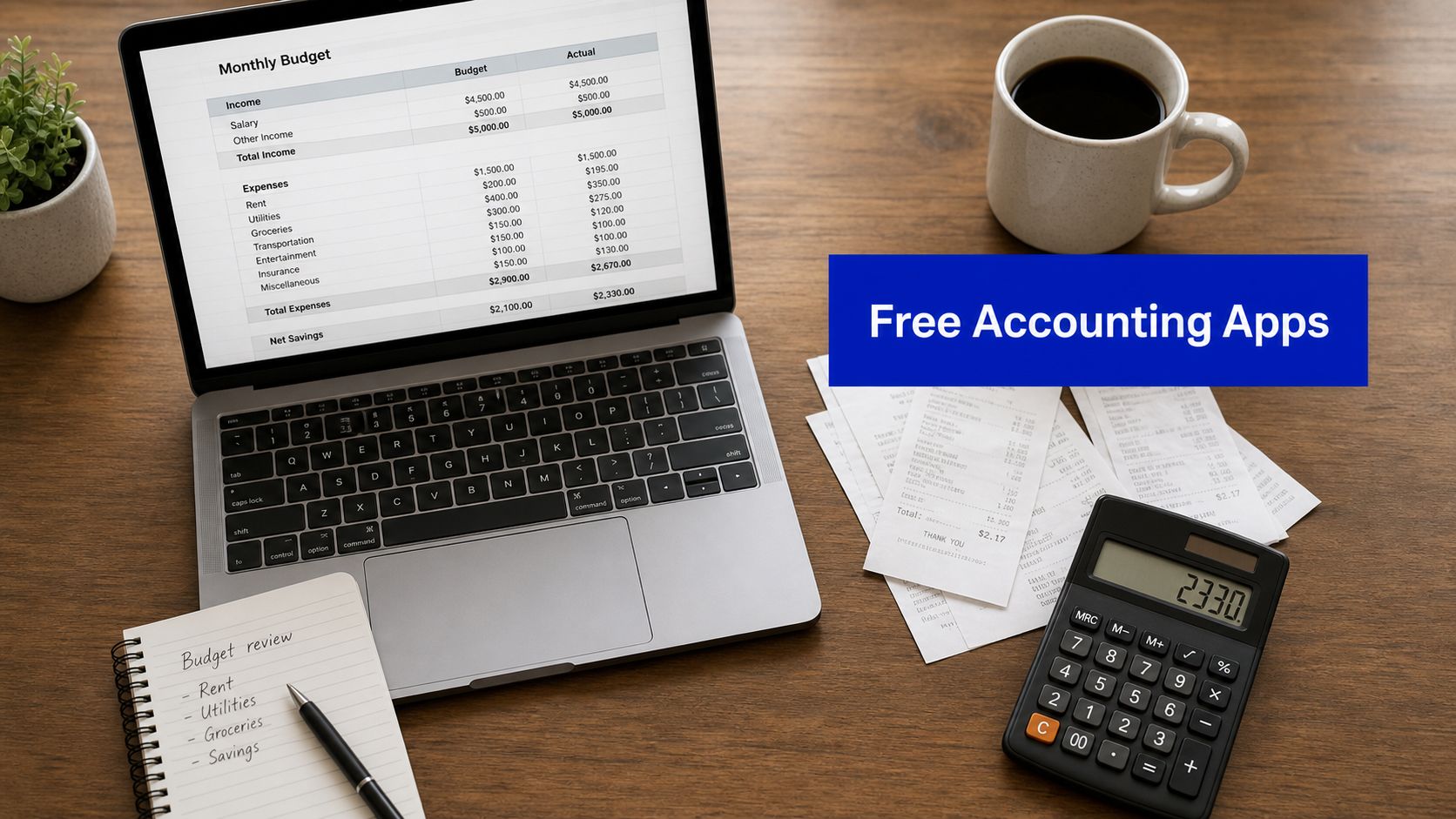
If you want a Small Business Accounting App Free option, the real question is not just cost. It is whether the app helps you keep clean records, track GST properly, prepare BAS information, and stay organised if the ATO or your accountant asks questions.
Free can work well for a simple business. It can also become expensive fast if the software creates manual work, weak reports, or poor payroll records.
A Small Business Accounting App Free can work for an Australian sole trader or micro business if it handles invoicing, expense tracking, bank reconciliation, and basic reports. It does not remove your ATO obligations. Before relying on any free plan, check current guidance from the relevant Australian regulator.
Key Takeaways
- Free accounting apps can suit sole traders and low-volume businesses.
- The must-have features are invoicing, expenses, bank reconciliation, and exportable reports.
- If you are registered for GST, you need records that support BAS reporting.
- If you employ staff, payroll, payslips, STP, and record keeping become critical.
- Always test exports, backups, and accountant access before committing.
- Check current guidance from the relevant Australian regulator before relying on any free plan.
What a Free Accounting App Must Do in Australia
A free accounting app is not just a digital receipt drawer. In Australia, it should help you keep records of income, expenses, invoices, payments, and bank transactions in a way that supports your tax obligations.
The ATO says businesses must keep records that explain all transactions and generally keep most records for 5 years. Some records, such as certain employee and company records, may need to be kept for longer. Check current guidance from the relevant Australian regulator. See ATO record keeping for small business and business.gov.au record keeping.
For a simple Australian business, the core jobs are:
ATO small business definition
- Create and send invoices
- Record income and expenses
- Reconcile bank transactions
- Store receipts and supporting documents
- Produce profit and loss reports
- Export records for your accountant or tax agent
If you are GST-registered, your records also need to support BAS reporting. The ATO says GST records must support every amount you report or claim and generally must be kept for 5 years. See ATO GST records and ATO BAS and GST tips.
Free tier vs free trial
This matters more than most people think.
accounting software for small farms
A free tier is an ongoing plan with permanent limits. A free trial is temporary access to paid features. If you build your bookkeeping process on a trial and do not budget for the paid version, you may need to migrate later.
That is why you should treat free software as a business system decision, not just a price decision.
Best Free Accounting Apps Compared
Below is a practical comparison of well-known free or no-cost accounting tools used by small businesses. Features and terms change often, so check provider details before signing up.
Akaunting free open-source accounting software
Zoho Books forever free plan
| App | Best for | Invoicing | Expense tracking | Bank reconciliation | GST/BAS suitability | Payroll | Notes |
|---|---|---|---|---|---|---|---|
| Zoho Books Free | Sole traders and micro businesses | Yes | Yes | Limited by plan and setup | Check current AU suitability | Usually limited | Good starter option with structured plan limits |
| Wave | Freelancers with simple invoicing | Yes | Yes | Often limited outside key markets | Check current AU suitability | Add-ons or limited | Easy for basic invoicing, but Australian fit must be checked |
| Manager.io | Small businesses wanting control | Yes | Yes | Depends on edition and setup | Can suit simple GST tracking if configured correctly | Limited payroll focus | Popular low-cost option with strong bookkeeping logic |
| Akaunting | Users comfortable with setup and modules | Yes | Yes | Depends on setup | Check GST workflow carefully | Limited | Open-source option with flexibility |
| GnuCash | Desktop users who want double-entry bookkeeping | Basic | Yes | Mostly manual | Depends on user setup | No built-in payroll focus | Better for disciplined users than beginners |
Which type of business each app may suit
- Sole trader: a basic invoicing and expense app may be enough.
- Freelancer: recurring invoices, receipt capture, and cash flow reporting matter most.
- Startup: user access, integrations, and migration path matter early.
- Property investor: clean income and expense categories, document storage, and export quality matter.
- Employer: free software often stops being enough once payroll obligations begin.
A smart comparison does not stop at features. It checks whether the app fits Australian record keeping, tax reporting, and day-to-day admin.
Key Features to Check Before You Sign Up
A free app should pass a compliance test before it passes a design test.
1. Invoicing
Your app should let you create clear invoices, track payment status, and store customer details. You may also want recurring invoices and automatic reminders.
2. Expense tracking and receipt capture
Look for easy receipt uploads, searchable transactions, and clean categories. The ATO recommends digital record keeping where possible, and sole traders may also use tools such as myDeductions for tracking eligible records. See business.gov.au digital tools.
3. Bank reconciliation
This is where many free tools become slow. Automatic bank feeds are useful, but clean matching is more important than flashy automation. Test whether you can reconcile one real month of transactions without confusion.
4. GST and BAS support
If you are registered for GST, the app should let you code transactions correctly and produce reports that support BAS preparation. It does not need to lodge BAS itself, but it must help you keep defensible records.
5. Payroll and STP
If you have employees, payroll cannot be an afterthought. Employers must issue pay slips within 1 working day of payday and keep time and wages records for 7 years. See Fair Work record keeping and pay slips and Fair Work paying wages record keeping.
6. Export and accountant access
Before you commit, export sample data. If your accountant cannot work with the output, the app may trap your books.
When Free Software Is Enough, and When It Is Not
Free accounting software is often enough when:
- You are a sole trader or very small business
- You have low transaction volume
- You have no employees
- You reconcile monthly
- You are not dealing with complex inventory or multi-entity reporting
Free software usually stops being enough when:
- You register for GST and need stronger reporting controls
- You hire staff and need payroll, STP, super, and compliant payslips
- You need multiple users with approval controls
- You want deeper integrations with ecommerce, POS, or job management tools
- You need loan-ready reports or investor reporting
If you operate through a company, your obligations extend beyond bookkeeping. ASIC regulates company obligations, and company directors need a director ID through ABRS. See ASIC director IDs.
If your software choice affects tax, BAS, payroll, or company governance, get advice before the records become messy.
Step-by-Step: How to Choose the Right App
Free accounting software core features
Use this simple process before moving your records.
- List your must-haves
Write down whether you need invoices, GST coding, BAS reports, payroll, receipt capture, bank feeds, or multi-user access. - Check your business structure
A sole trader may need less than a company with employees. If you run a company, keep ASIC and ABRS obligations in mind. - Test one real month of transactions
Import or enter one month of bank activity, issue one invoice, and attach a few receipts. - Review the reports
Can the app produce a usable profit and loss report, GST summary, and transaction list? - Test exports
Export CSV or PDF files and ask whether your accountant can use them. - Check data access and backups
Know where the data is stored, how you can export it, and what happens if you upgrade or leave. - Review payroll risk
If you will hire staff soon, check payroll support now, not later. - Choose the app with the safest long-term fit
The cheapest option is not the cheapest if migration or cleanup costs hit later.
Worked Example: Australian Sole Trader
Leah is a Brisbane copywriter operating as a sole trader.
- Monthly sales: $6,800
- Monthly business expenses: $740
- GST registration: No
- Employees: No
- Business bank transactions: about 35 per month
Leah uses a free bookkeeping app to:
- Send five invoices a month
- Upload receipts for software, phone, and internet
- Reconcile her bank account at month end
- Review a profit and loss report
- Export records for her accountant each quarter
Her monthly result
- Income: $6,800
- Expenses: $740
- Estimated accounting profit before tax: $6,060
For Leah, a free app can work because her setup is simple. She does not have payroll, inventory, or GST reporting complexity.
If Leah later registers for GST, hires an assistant, or forms a company, her software needs may change. That is the tipping point where many businesses should upgrade or get professional help.
Compliance Callouts for Australian Businesses
A good free accounting app supports compliance, but it does not replace it.
Free plans and feature limits
ATO
You must keep records that explain transactions and support your tax position. For GST, you need records that support amounts reported on BAS. See ATO record keeping and ATO GST records.
Fair Work
If you employ staff, you must meet payslip and employee record keeping requirements. See Fair Work record keeping.
ATO and free-plan compliance gap
ASIC and ABRS
If you run a company, remember that bookkeeping is only one part of compliance. Company obligations, officeholder updates, and director ID rules still apply. See ASIC company obligations and director IDs.
ABR
Your ABN details should stay current. See Australian Business Register.
IP Australia
Your accounting app will not protect your brand. A business name is not the same as a trade mark. See IP Australia trade marks.
auDA
If your business runs online, your domain name is licensed under .au rules. See auDA licensing rules.
Checklist
Use this before signing up for any free accounting app.
- Can I send invoices and track unpaid amounts?
- Can I record expenses and store receipts?
- Can I reconcile my bank account each month?
- If I am GST-registered, can I code GST correctly and produce BAS-supporting reports?
- Can I export usable files for my accountant or BAS agent?
- Do I understand the limits of the free plan?
- Is there a clean upgrade path if my business grows?
- If I employ staff, does the system support payroll obligations?
- Do I know where my data is stored and how to back it up?
- Have I checked current guidance from the relevant Australian regulator?
Common Mistakes and Quick Fixes
Mistake 1: Choosing on price alone
Quick fix: Compare workflow, reports, and export quality, not just cost.
Mistake 2: Ignoring GST setup
Quick fix: If you are GST-registered, test tax coding and BAS reports before you commit.
Mistake 3: Waiting too long to think about payroll
Quick fix: Review payroll support before your first hire, not after.
Mistake 4: Not testing exports
Quick fix: Export sample reports and transaction data during the trial or setup stage.
Mistake 5: Mixing personal and business spending
Quick fix: Follow official setup guidance and use separate business banking where appropriate. See business.gov.au set up your finances.
Mistake 6: Assuming software handles compliance for you
Quick fix: Use software as a tool, not as legal advice.
FAQs
1. What is the best free accounting app for a small business in Australia?
The best option depends on your needs. For a simple sole trader, a free app with invoicing, expenses, reconciliation, and exportable reports may be enough.
2. Can I use free accounting software for GST and BAS?
Sometimes, yes. But only if the records and reports support BAS preparation. Check current guidance from the relevant Australian regulator.
3. Is free bookkeeping software good enough for sole traders?
Often yes, if the transaction volume is low and there are no employees or complex reporting needs.
4. Do free accounting apps connect to Australian bank feeds?
Some do, some do not, and availability can vary by provider and plan.
5. Can free software handle payroll in Australia?
Usually not well enough for growing businesses. Payroll compliance needs careful review.
6. What records does the ATO expect me to keep?
Records that explain your business transactions and support tax, GST, and other reporting positions. Most records are generally kept for 5 years.
7. Is a spreadsheet better than a free accounting app?
A spreadsheet can work for very simple tracking, but accounting software is usually more efficient and easier to scale.
8. What should property investors look for in a free accounting app?
Clear expense categories, document storage, income tracking, and strong export options for tax time.
9. When should I upgrade from a free app?
Usually when you add GST complexity, staff, integrations, higher transaction volume, or reporting needs.
10. Do I still need an accountant if I use free accounting software?
In many cases, yes. Software helps with records. It does not replace tax advice or compliance review.
Conclusion
A Small Business Accounting App Free option can be a smart starting point for an Australian sole trader, freelancer, startup, or property investor with simple needs. The right app should help you invoice, track expenses, reconcile your bank account, and keep records you can actually use at BAS or tax time.
The safest way to choose is simple: test the workflow, test the reports, test the exports, and check current guidance from the relevant Australian regulator before relying on any free plan.
Need professional advice? Book a consultation with Nanak Accountants & Associates. Call 1300 NANAK TAX (626 258).